Fort Payne City Schools

Providing child-centered learning so every student may pursue any dream

Returning Student Enrollment Help

Returning Student Enrollment Help?


  •  

    Forgot Email linked account:

    • Contact School Office Staff

    Forgot Username or Password:

    • Use the forgot username/password link on the login page.

    Screenshot of a PowerSchool Parent Sign In page.

    • Username:
      • You will need the email to linked the account. Contact School Office Staff.

    A webpage titled 'Recover Account Sign In Information' with input fields for username and email.

    • Password: 
      • You will need the username AND email to linked the account. Contact School Office Staff.

    Screenshot of a PowerSchool login recovery page with options to reset password or username.


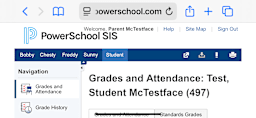
  • The form is NOT available in the app. You must go to our district PowerSchool website in a webbrowser on your phone or computer.

  • Graphic instructing users to rotate their phones/mobile device into a horizontal orientation.

    If using a phone:

    • Check the screen orientation on your phone is not locked
    • Turn the phone sideways (horizontal)


    Vertical View   Horizontal View
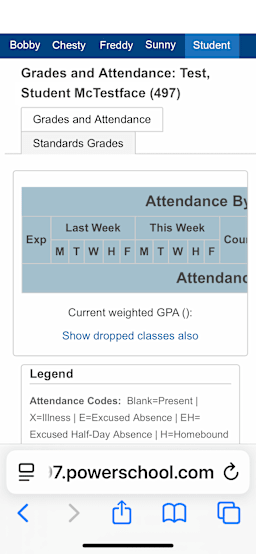
    Vertical view of the PowerSchool website after logging in.

      Horizontal view of the Powerschool website after logging in.
  • Complete another form for a different FPCS Student:

    • From the Enrollment website, go back to PowerSchool.
    • Select the students' tab at the top of the page.

    Image showing an arrow pointing to a students name in PowerSchool


    • Select the Returning Student Enrollment link on the left.
      • Each link is specific to the selected student.

    Image showing an arrow pointing to the Returning Student Enrollment Link in PowerSchool

Need More Help?